Great experience creating my CV and resume! Thank you!



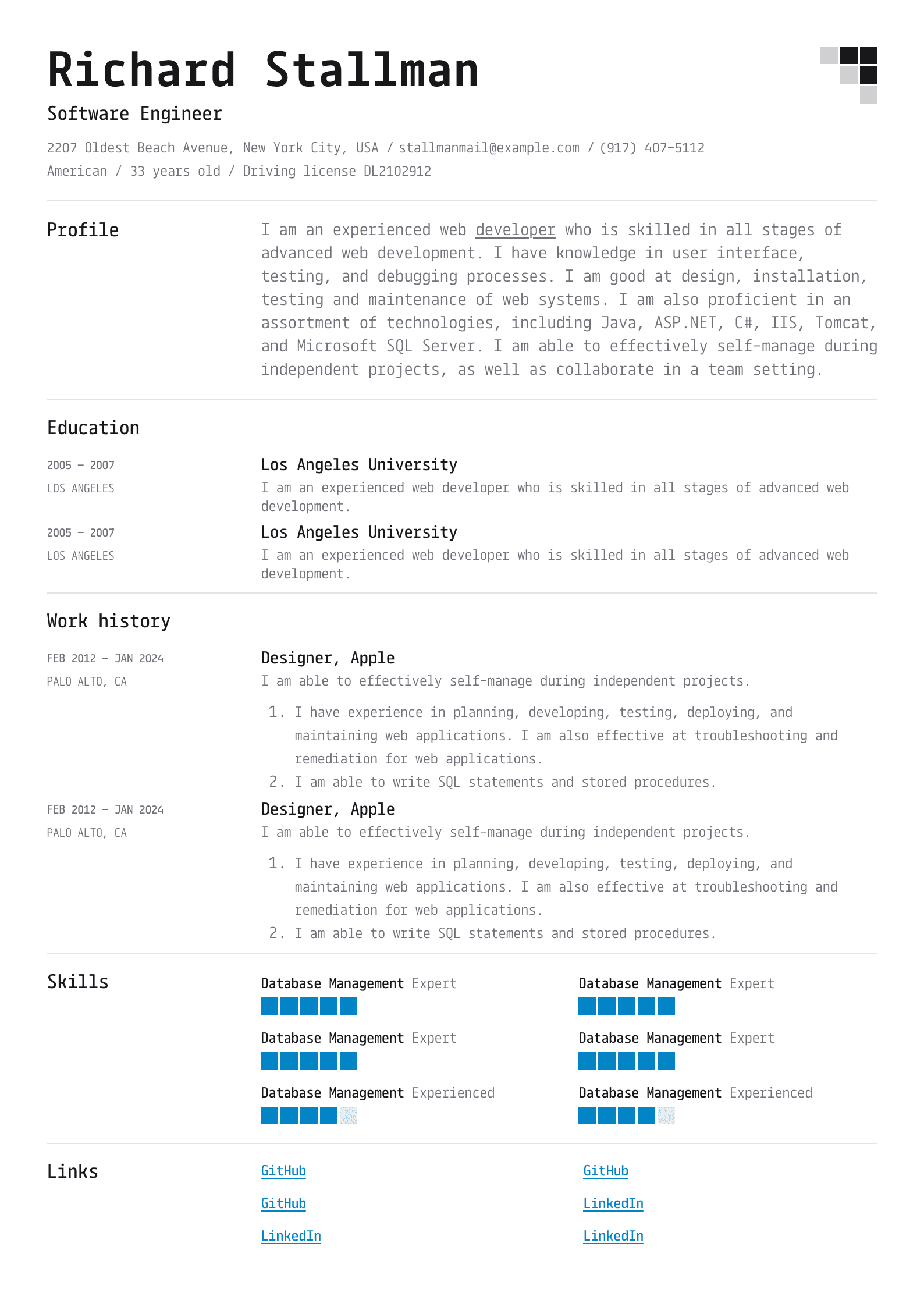
The best format for a CV is the reverse chronological format, as it is the most effective at highlighting your work experiences and educational background. Furthermore, its layout is simple and intuitive, so recruiters know exactly what information to expect in each section.
Our CV templates are mostly free to use, though premium options are available exclusively to our paying customers. Also, subscribing to one of our plans lets you download your completed document; otherwise, you can only share it using a link.
You can edit the templates after downloading by choosing the “Improve my CV” option and uploading the document you wish to alter. Then, follow the CV maker’s instructions and change the information, layout, design, font, or other features. You can do this even with CVs that weren’t originally made in our builder.
You will receive most files in PDF format, but .docx files are also available. File types are highlighted on each template, so you can choose the one that suits your needs before downloading.
Our CV examples and templates are optimised for ATS—they target keywords and use layouts that can easily pass ATS scans. We also update them regularly to ensure they follow the latest industry trends, so you can be confident that the software won’t reject your CV.
You should choose whichever template is the most common in your industry, but also consider your experience and specific company requirements. In other words, you have to do research before submitting your application and ensure your chosen CV template emphasises your strengths.
You can tailor the same template for different job applications and download or share each CV separately. However, consider each organisation’s requirements—a job-winning template in one company may not be as effective in another.
You can change colours and fonts for each template—simply open the “Design” section when creating your CV and customise its features. This allows you to create a highly personalised document that is sure to catch a hiring manager’s eye.
We offer matching cover letter templates that perfectly complement your CV. In fact, once you create your CV, you can generate a cover letter with only a few clicks—our AI helper can export all your details and use them to write a letter in seconds.
You are just a click away from a CV template suitable for your industry’s demands and your own preferences. Pick the right one and tailor it to perfection—in less than 10 minutes, your application will be ready to help you land your dream job!
Build my CV